
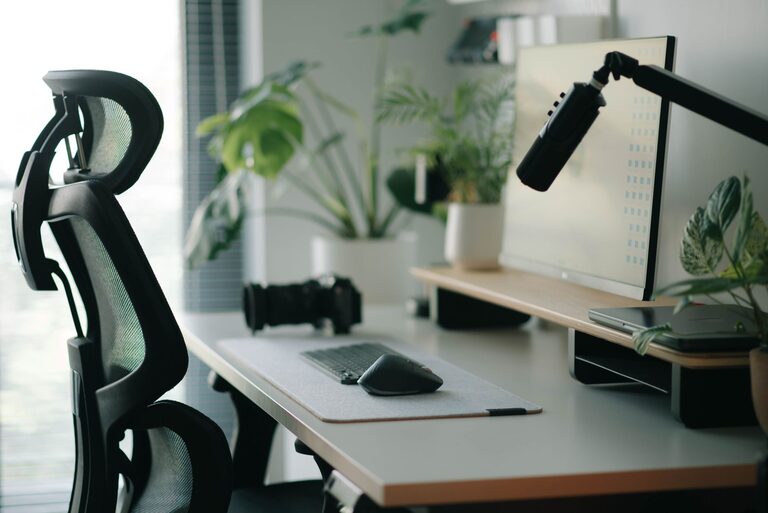
Creating a workspace that supports both focus and comfort is essential for productivity and well-being. Whether you work from home, in an office, or a shared space, the way you arrange your desk can have a significant impact on your ability to concentrate and stay comfortable throughout the day. In this post, we’ll explore practical tips and strategies to create an ideal desk setup tailored to your needs.
Why a Good Desk Setup Matters
Your desk is more than just a surface to place your laptop or papers; it’s the heart of your work environment. A well-organized and ergonomic setup helps reduce distractions, prevent fatigue, and promote better posture. This leads to improved focus, less physical strain, and a more enjoyable work experience.
Key Elements of an Effective Desk Setup
1. Choose the Right Desk and Chair
– Desk Height: An ideal desk height allows your forearms to rest parallel to the floor when typing. Standard desks are usually around 28-30 inches tall.
– Chair Support: Invest in a chair with adjustable height, lumbar support, and comfortable cushioning to support your lower back.
– Adjustability: Both your desk and chair should be adjustable to fit your body proportions and task requirements.
2. Position Your Monitor Properly
– Eye Level: Place your monitor so the top of the screen is at or just below eye level to avoid neck strain.
– Distance: Position your monitor about an arm’s length away. This reduces eye strain by allowing your eyes to focus comfortably.
– Multiple Screens: If you use more than one monitor, arrange them side-by-side at the same height to avoid excessive head turning.
3. Optimize Lighting
– Natural Light: Whenever possible, position your desk near a window for natural light. Natural light helps improve mood and alertness.
– Avoid Glare: Arrange your monitor perpendicular to windows to reduce glare. Use blinds or curtains when necessary.
– Task Lighting: Add a desk lamp with adjustable brightness and direction to illuminate your workspace without harsh shadows.
4. Keep Essentials Within Reach
– Organize tools and materials you use frequently, like pens, notebooks, or your phone, within easy reach to minimize disruptions.
– Use organizers such as trays, holders, or drawers to keep your desktop clutter-free.
– Leave some open space to allow for a comfortable and flexible working area.
5. Maintain Proper Posture
– Feet: Keep your feet flat on the floor or on a footrest.
– Knees: Your knees should be at about a 90-degree angle.
– Wrists: Keep your wrists straight and avoid resting them directly on the desk while typing.
– Take breaks to stretch or stand periodically to reduce stiffness.
6. Control Noise and Distractions
– Use noise-canceling headphones or white noise machines if you work in a noisy environment.
– Consider adding plants or soft furnishings that absorb sound.
– Maintain a tidy desk and clear digital workspace to minimize visual distractions.
7. Personalize Your Space
– Add personal touches like photos, inspirational quotes, or small plants to create a welcoming and motivating environment.
– Choose colors and decor that help you feel calm and focused.
Additional Tips for Comfort and Focus
– Use a Keyboard and Mouse: An external keyboard and mouse can improve ergonomics compared to a laptop’s built-in options.
– Cable Management: Use clips, sleeves, or under-desk trays to keep cables organized and out of the way.
– Stay Hydrated: Keep a water bottle nearby to encourage regular hydration throughout the day.
– Timer and Breaks: Use the Pomodoro technique or set reminders to take breaks, stand up, and stretch.
Final Thoughts
Designing a desk setup that promotes focus and comfort doesn’t require a big investment or complicated tools. Small adjustments to your chair, desk height, monitor placement, and organization can make a significant difference in your overall productivity and well-being. Experiment with these tips to find what works best for you, and enjoy a more comfortable and focused workday.